The Builder
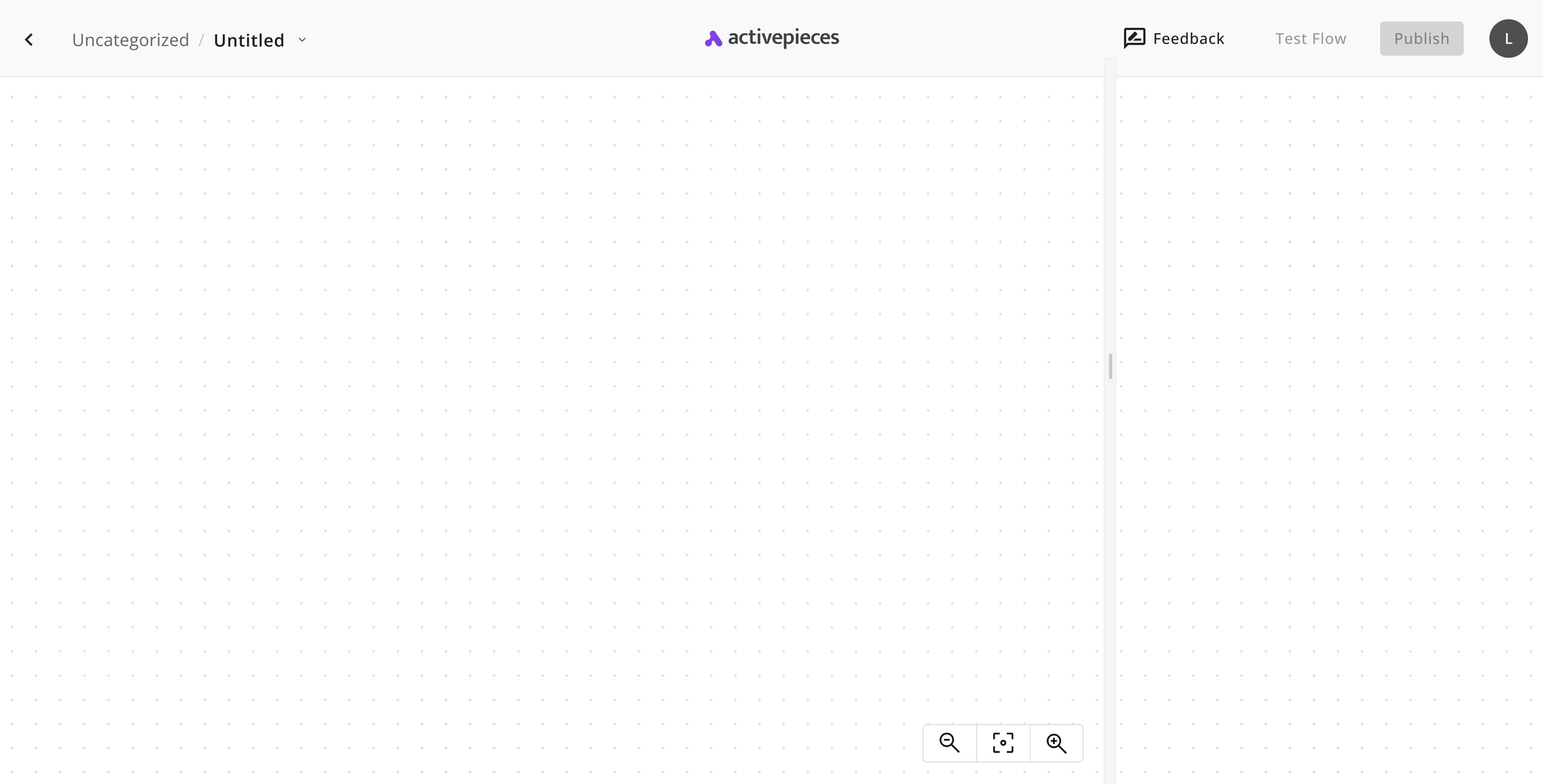
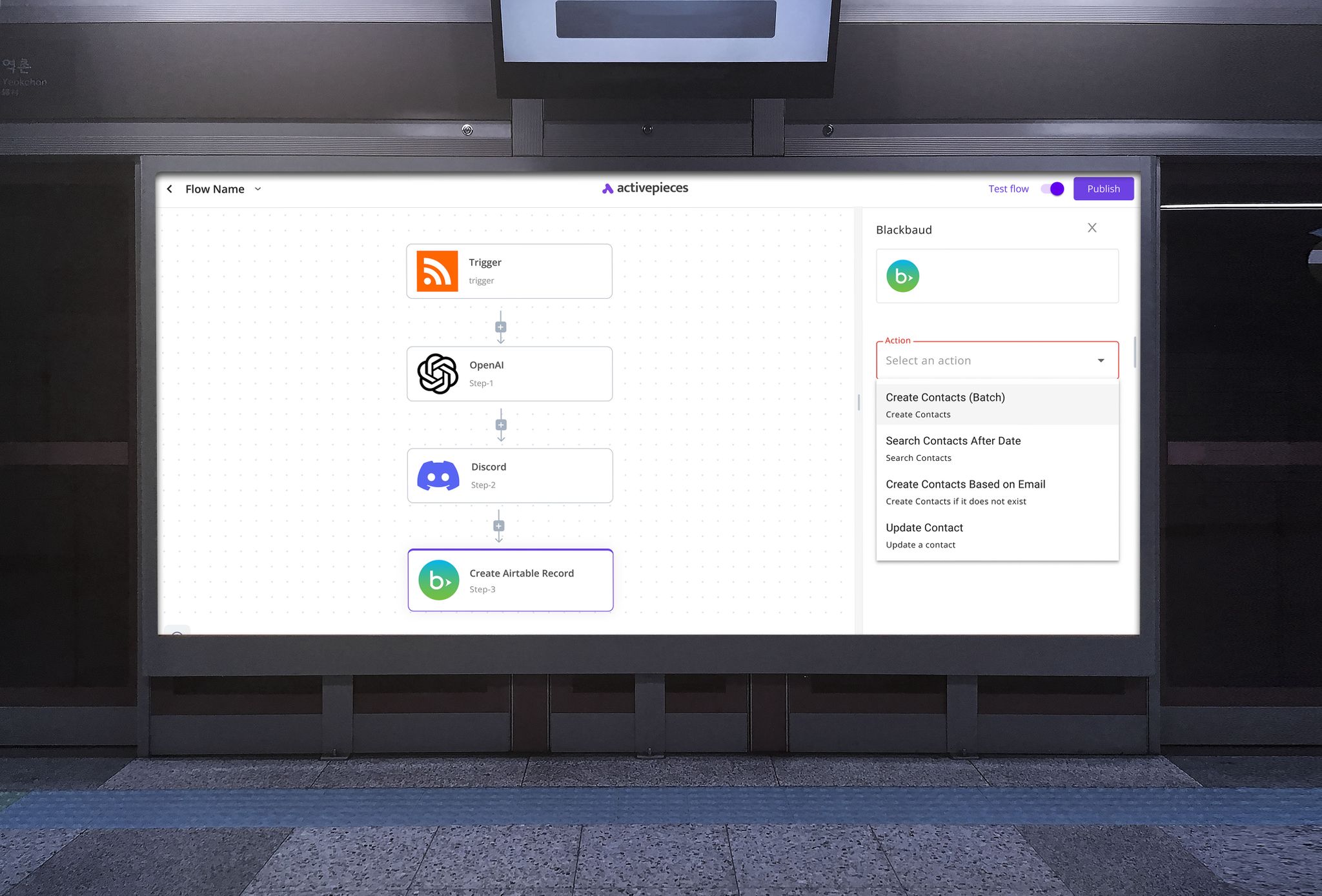
The builder was redesigned to feel more intuitive and easier to scan, with clearer visual cues that support workflow creation step by step.
Activepieces is a no-code automation tool that connects apps like Gmail, Slack, and Discord so users can create workflows, or “Pieces”, that automate repetitive tasks. As a UI Designer, I worked with the founder and senior designer to make those complex flows more straightforward and easier to use.
Activepieces helps people automate work across multiple tools, but the product experience needed to make those flows easier to understand at a glance and less overwhelming to configure.
The focus of the redesign work was to improve clarity in key interaction moments, especially where users needed to build, trigger, and monitor automations without losing confidence in the process.
How Might We?
Research
Working alongside the founder and senior designer gave me direct visibility into the usability issues people encountered while trying to set up and manage automations.
That collaboration helped clarify where the interface needed more structure, stronger visual cues, and a more approachable path through technically complex tasks.
Core Focus
Improve usability in the most important product surfaces so users can build workflows faster, choose triggers more confidently, and monitor automation activity with less ambiguity.
Design
The redesign work centered on the product areas that most directly shaped usability: workflow building, trigger selection, app discovery in the sidebar, and dashboard visibility.
The builder was redesigned to feel more intuitive and easier to scan, with clearer visual cues that support workflow creation step by step.
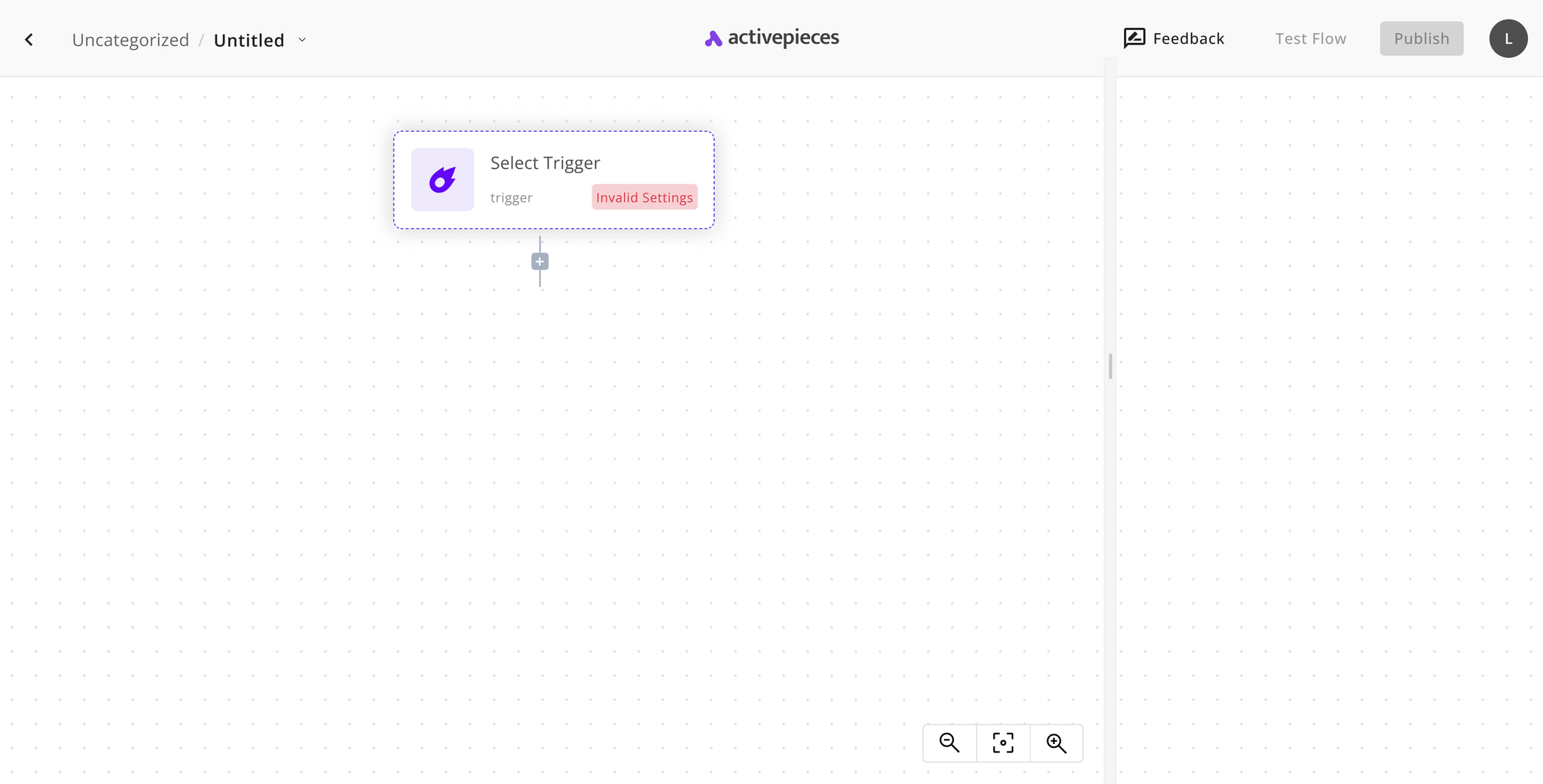
Search, filtering, and clearer explanations made trigger selection easier and more accurate for users starting new automations.
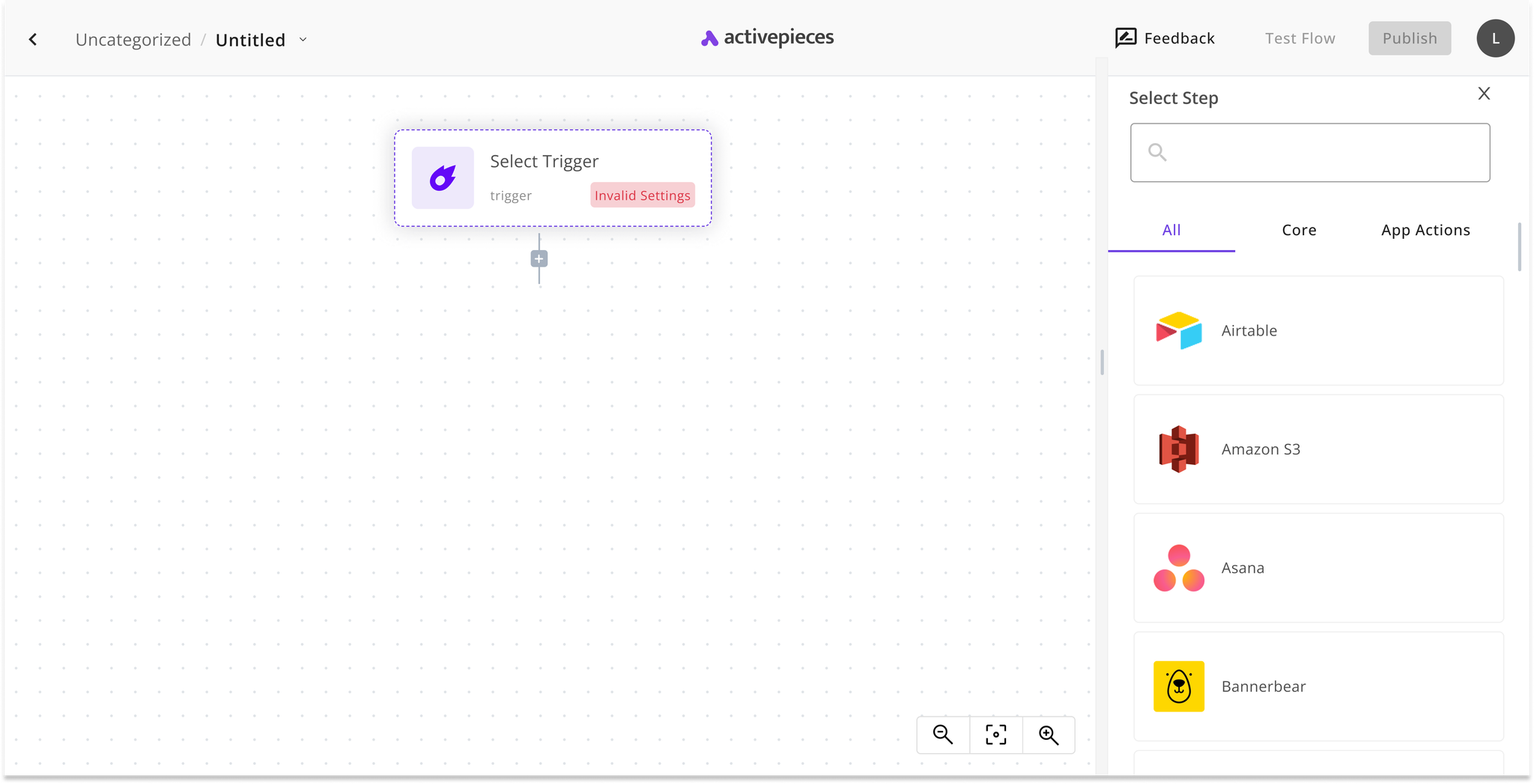
The sidebar was reorganized to help users find and add the right tools faster, supported by clearer icons and helpful guidance.
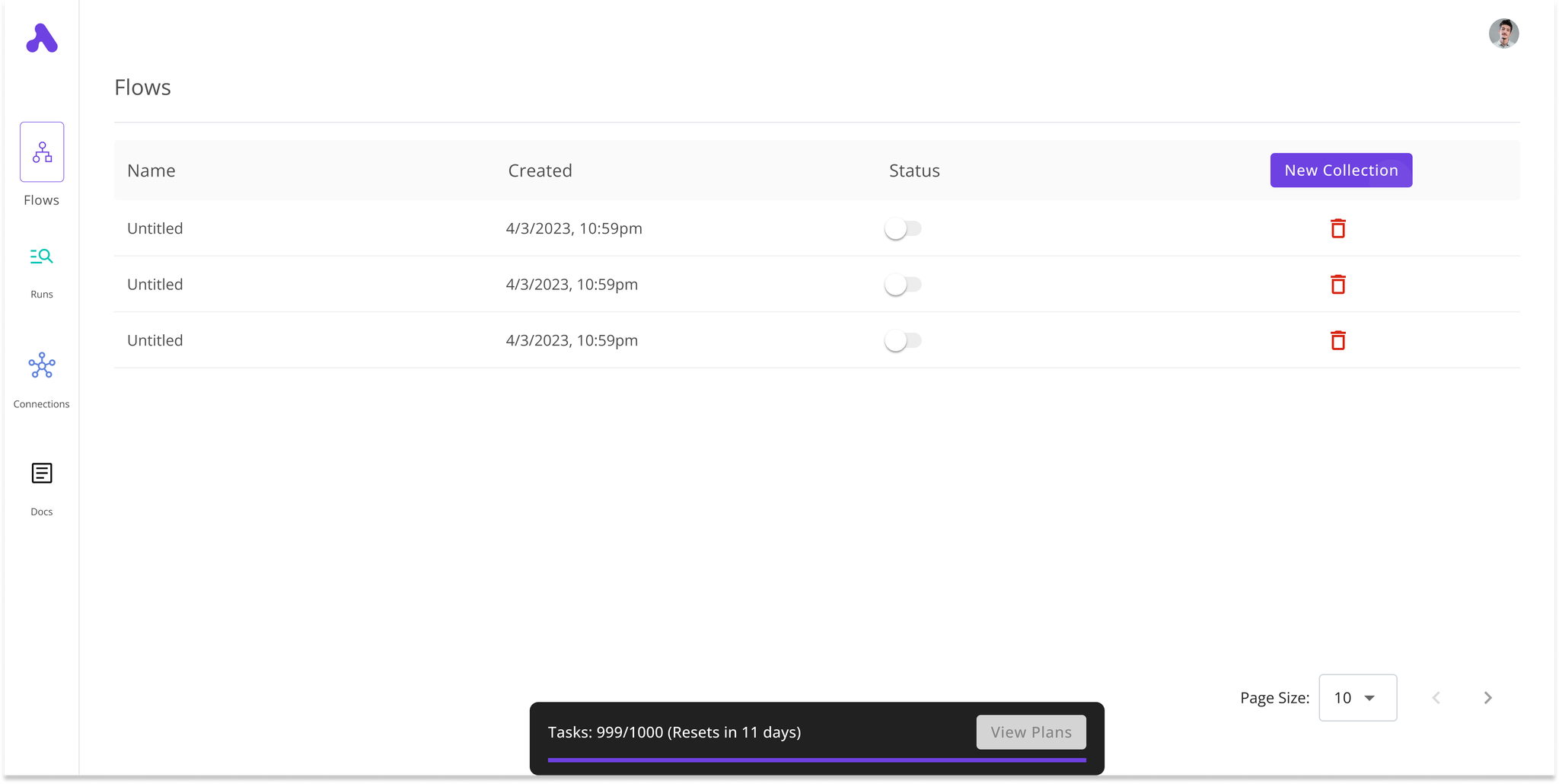
A more approachable dashboard helped users monitor app activity and workflow status through clearer, more visually engaging widgets.
System
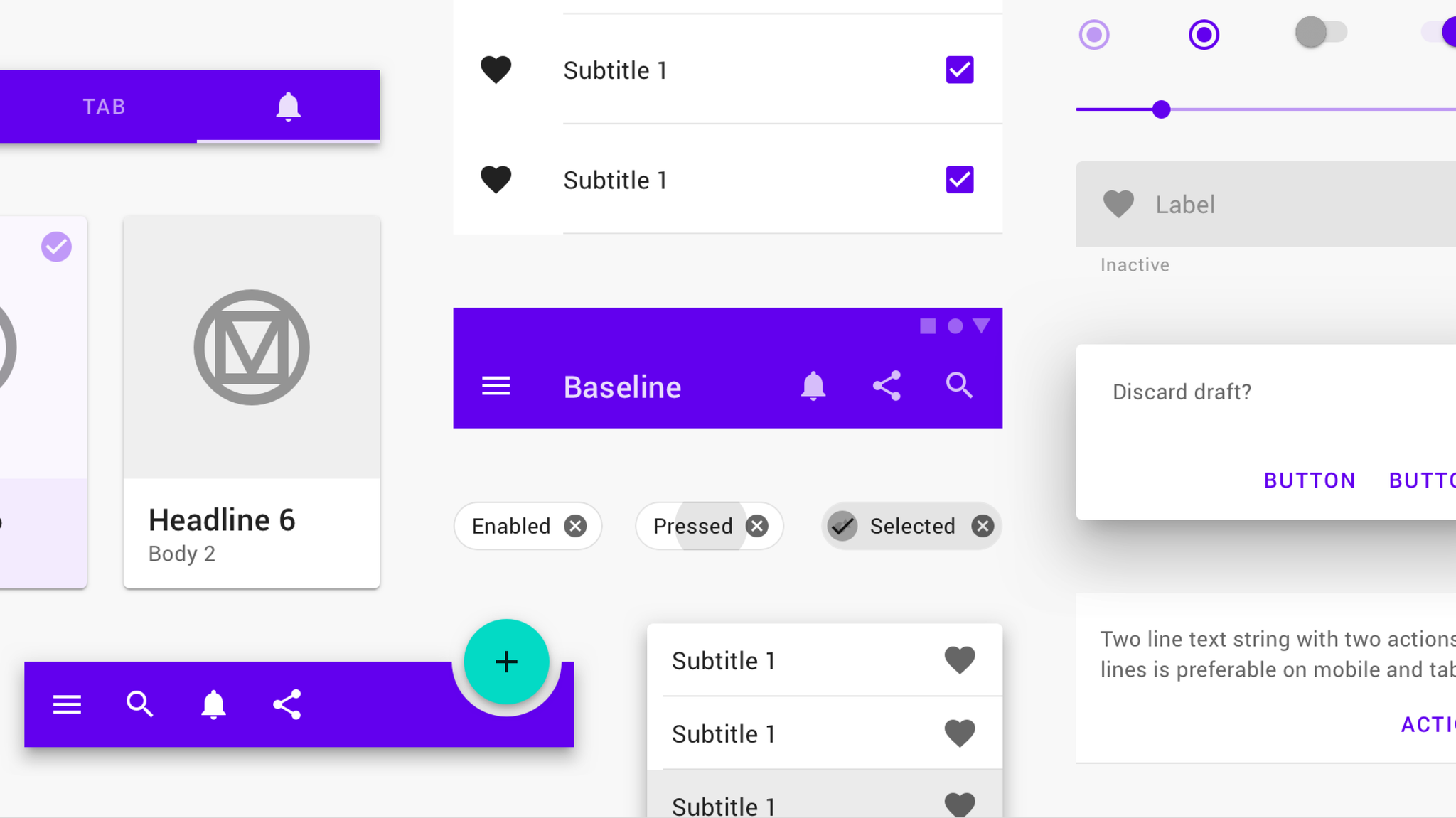
Material Design was used as the foundation for stronger collaboration between design and development, helping the team work from a more consistent set of UI patterns, typography, and color decisions.
That system-level consistency made it easier to build a cohesive product language while also speeding up implementation and future feature work.
Tools Integration
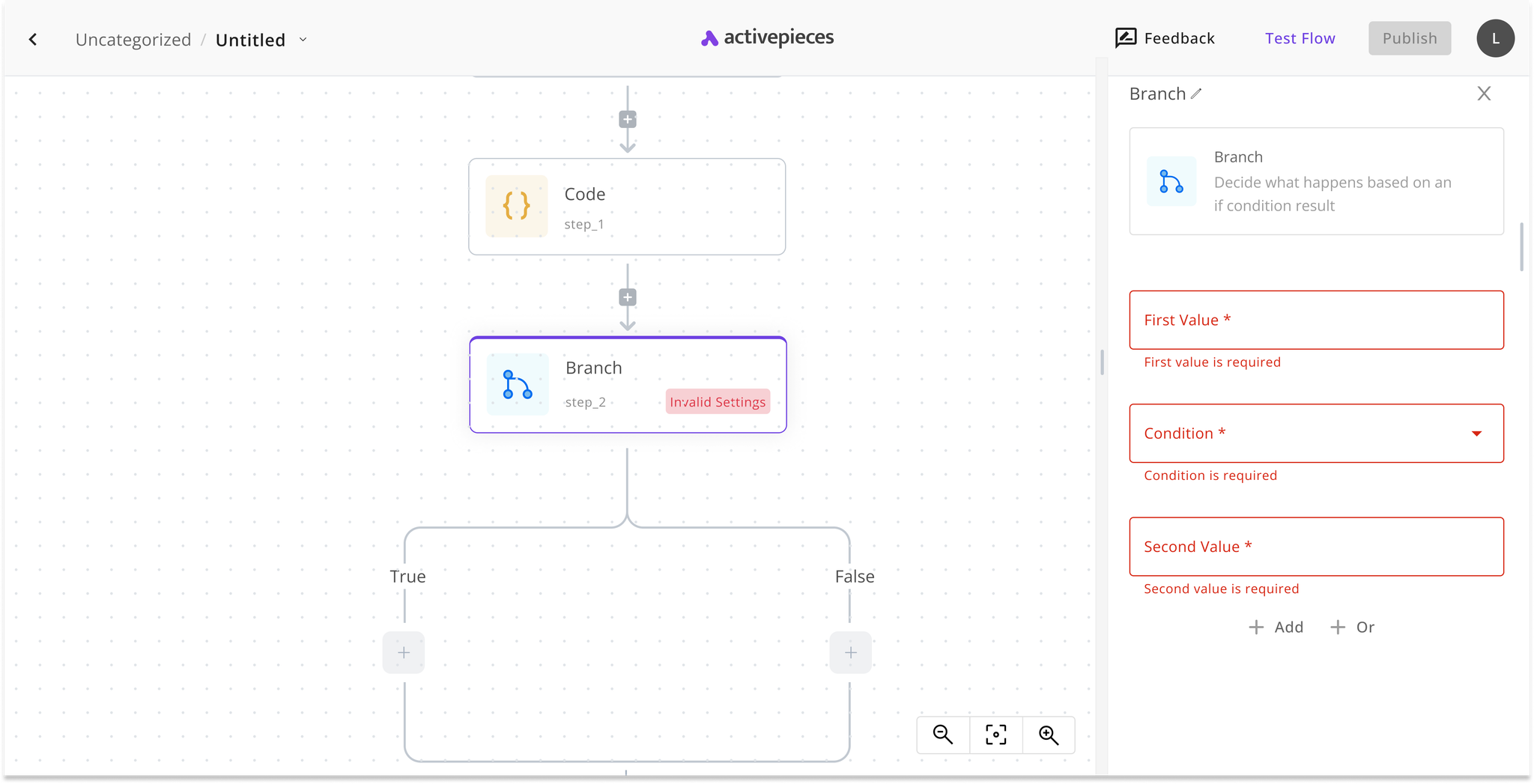
Workflow integrations were also visualized more clearly so users could better understand how app connections relate to one another inside the product.
Results
The redesign of the workflow creation experience helped reduce the time users needed to set up complex automations while also improving overall satisfaction with the product.
Outcome
40%
Reduction in the time it took users to set up complex automations, helping them work more productively.
Reflection
This project reinforced how much value thoughtful interface structure can create in technically dense products. By clarifying states, flows, and component behavior, complex automation tasks became easier to approach and easier to trust.
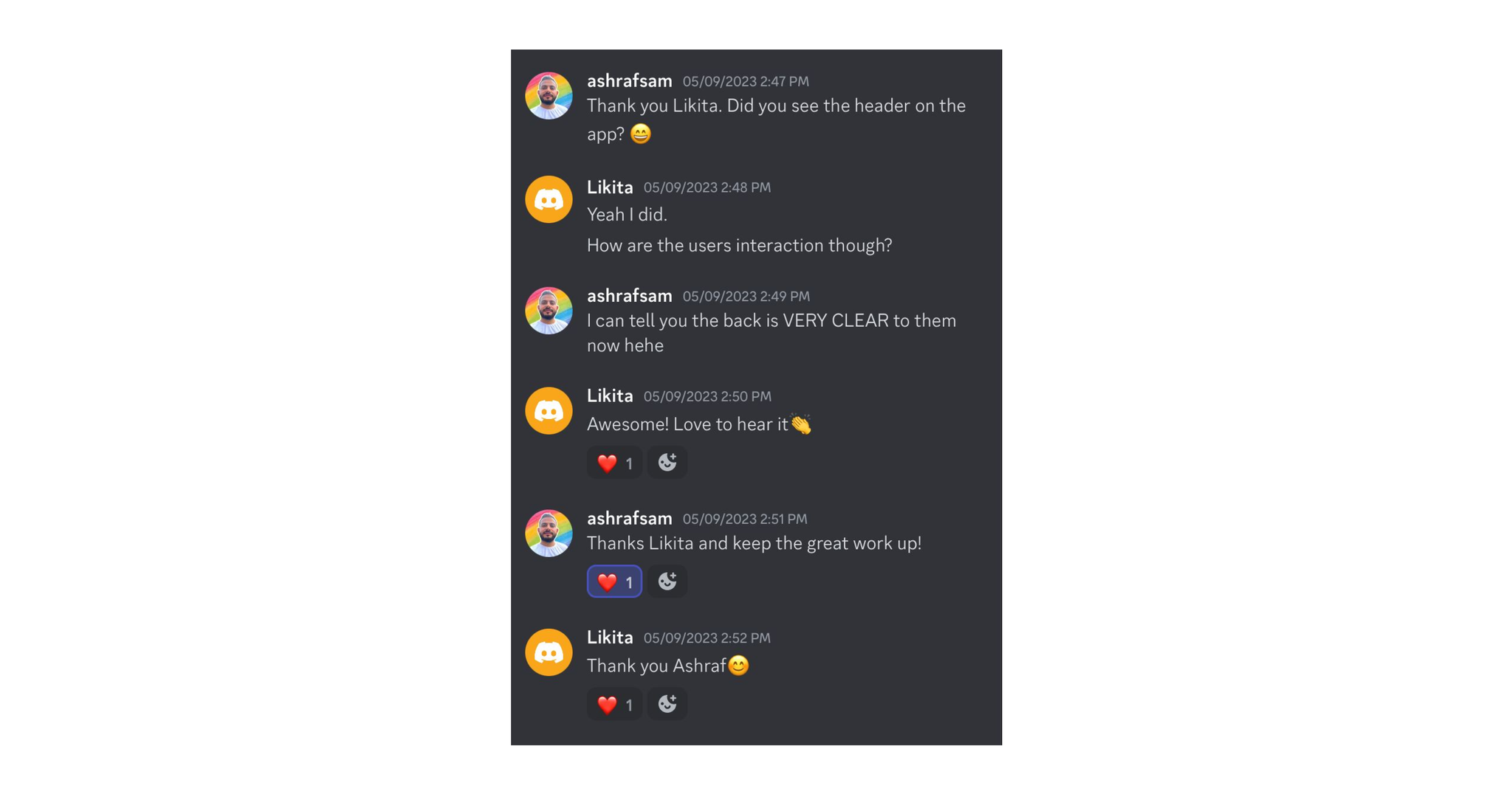
The feedback from the founder also highlighted the value of collaborative design work that not only improves usability, but also gives the team a stronger shared language for the product.